Introduction to Skipping Matches in Football Manager 2024
In Football Manager 2024, some matches can be quite lengthy, leading many players to wonder how to skip them. First, players need to download a skin, and then they can click on the second option labeled “Vacation” in the menu bar from left to right. Below is a detailed guide on how to skip matches in Football Manager 2024.
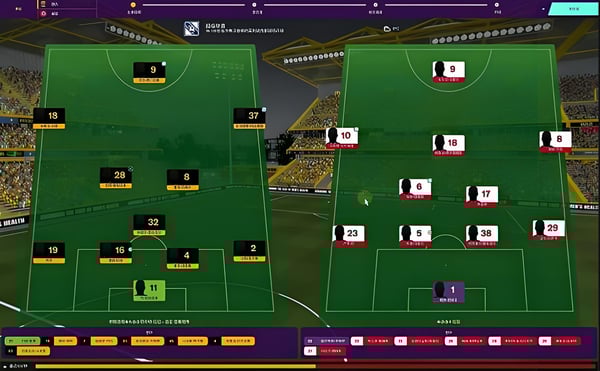
How to Skip Matches in FM24:
1. First, download a skin and copy the file to **Documents\Sports Interactive\Football Manager 2024\skins.
2. Then, enter the game, click on Preferences in the lower left corner, select Reset, clear the cache, go to Interface, and choose the skin **Wannachup-FM24.
3. After selecting it, click on “Refresh Skin.” Then, in the menu bar, click on the whistle icon from left to right to skip the match.
4. For some skins, if it’s your first time skipping, you may need to “Vacation” for a day first.